Add the photo
Use a saved picture, take a photo, or photograph a picture shown on another screen.
Made to be clear and easy to use
A simple catfish check for dating sites, social media, and online marketplaces.
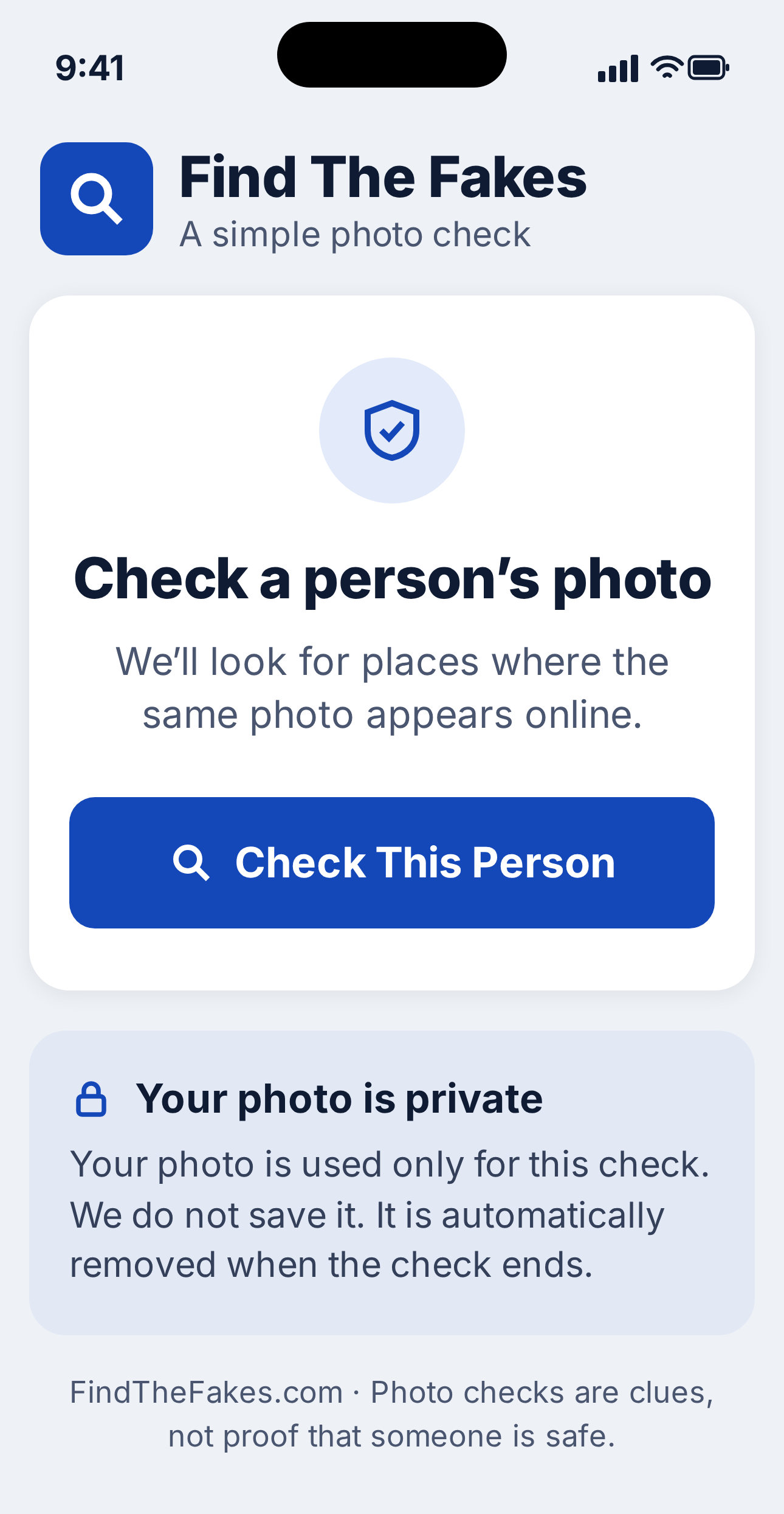
Find The Fakes looks for places where the same person’s photo appears online. It can help you spot warning signs before you send money or share personal information.
One payment. No subscription. Reasonable-use limits apply.
Your photo is private. It is used only for this check and is not saved.
How it works
Use a saved picture, take a photo, or photograph a picture shown on another screen.
The service checks whether that image—or a close version of it—appears elsewhere online.
Open any matching pages and compare the names, details, clothing, and background carefully.
Use it anywhere
Open FindTheFakes.com in the web browser on your iPhone, iPad, Android phone, tablet, laptop, or desktop computer. There is nothing to install.
Phone
Tablet
Computer
Easy to find again
There is nothing new to download. Add the website to your home screen so it opens from a Find The Fakes icon, just like an app.
Simple pricing
Pay once. Use your purchase email whenever you need to sign in on a new device.
$19.99 USD
Common questions
No. It works in your browser. You can also put a Find The Fakes icon on your home screen so it opens like an app.
It can give you clues. If the same photo appears under a different name or story, that is a warning sign. A match is a clue, not proof, so compare the details carefully.
Select Sign In and enter the same email address you used at checkout. We will email you a large sign-in button and a 6-digit backup code.
No. A match is a clue that the photo appears elsewhere. Review the source page, compare the story carefully, and never rely on one result alone.
No. A picture can be new, private, cropped, altered, or unavailable to the search service.
You pay once for access during the commercial life of Find The Fakes. There is no monthly subscription. Reasonable-use limits apply.
Use our protected support form. We’ll keep the instructions clear and help you get back in.